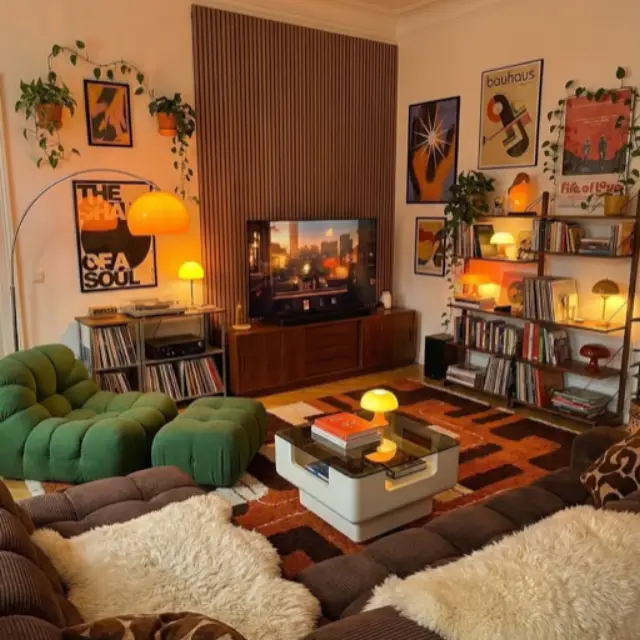
See your room before you change it.

Take a photo of your room and ask for what you want. Your walls, windows and doors stay.

iPhone app. 3 days free on the monthly plan.

Ask for edits. Or advice.

like texting a designer
Restyle

Paint the walls dusty blue
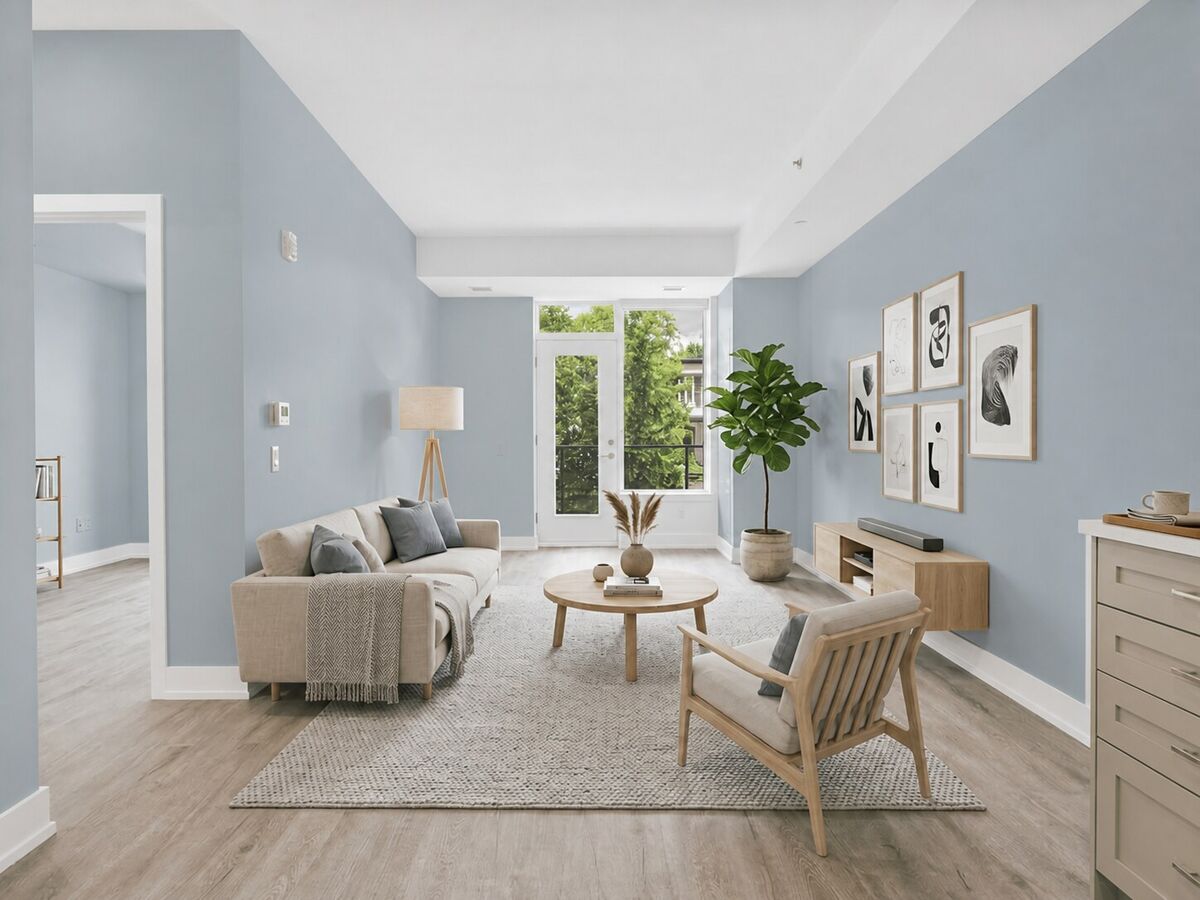
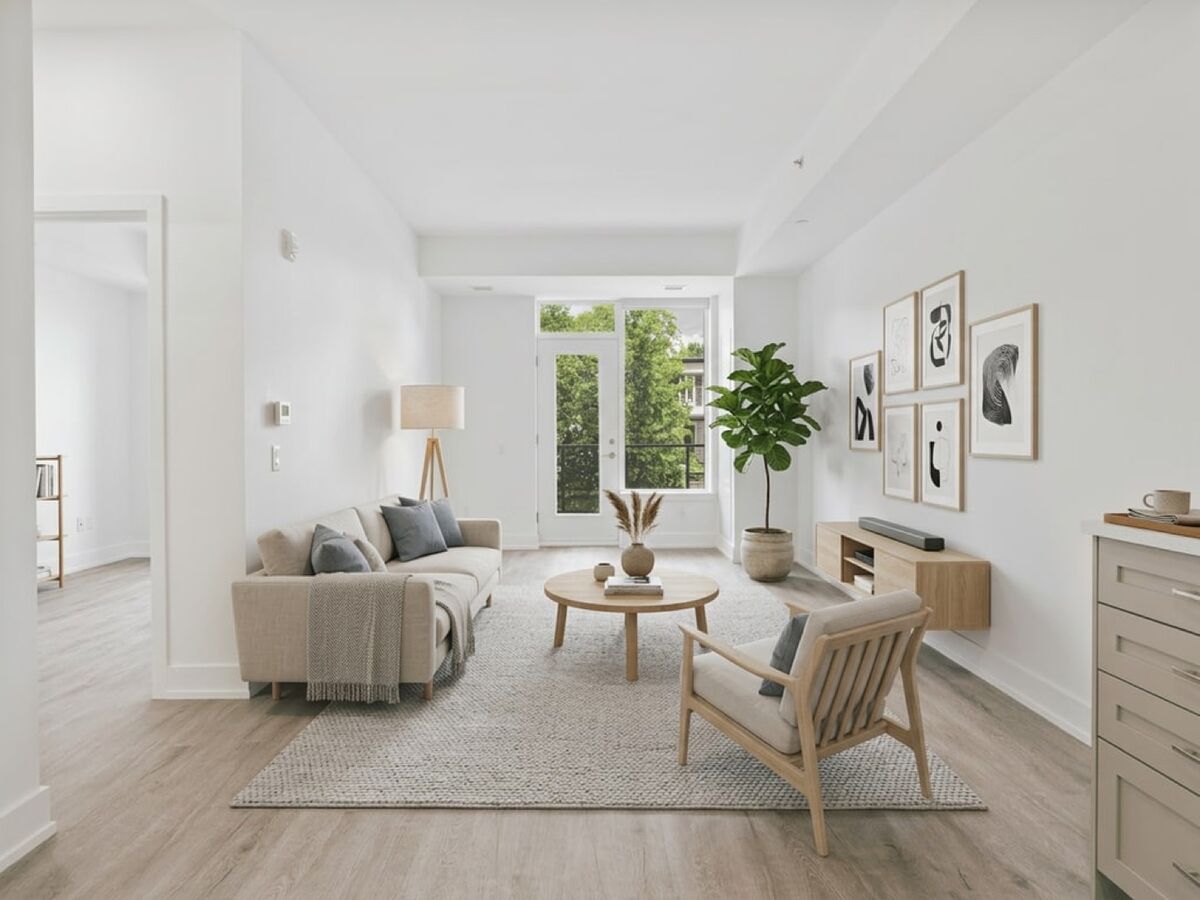
After: the same living room with dusty blue walls. The sofa, rug, round table, armchair, plant and prints are unchanged. Before: a bright living room with white walls, a beige sofa, a round wooden table and an armchair.

Repaint walls before you buy paint. Same sofa, same rug, same light.

Design Chat

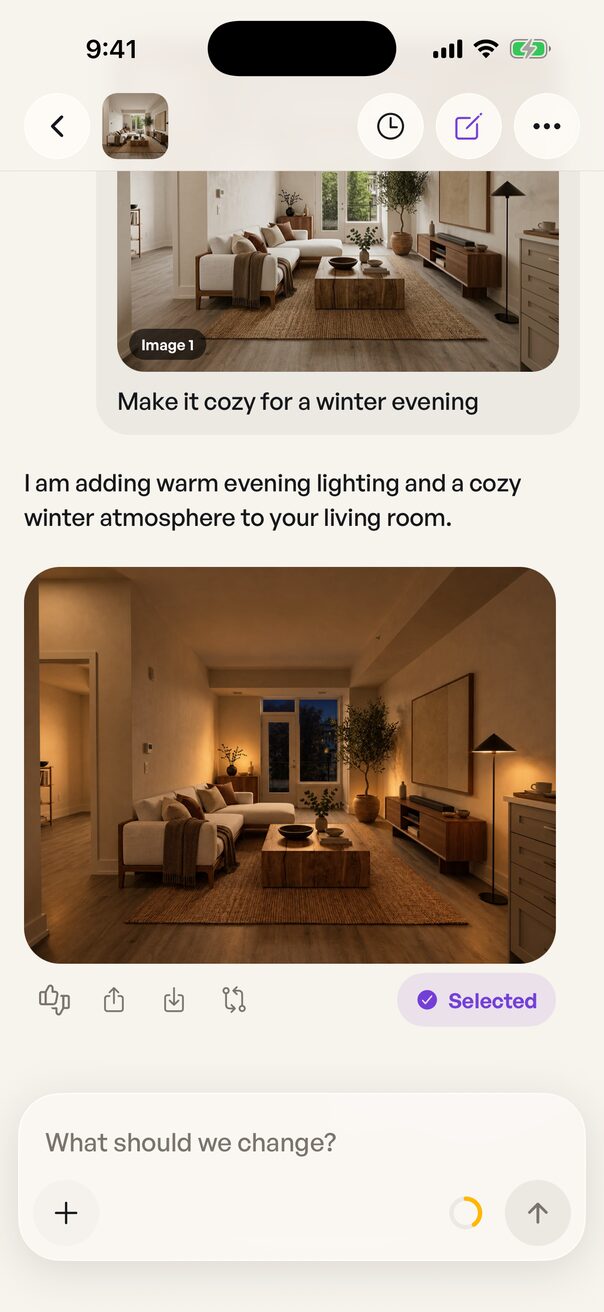
Make it cozy for a winter evening

Design Chat in the app: under the request, Instaroom AI replies that it is adding warm evening lighting and a cozy winter atmosphere, and shows the same living room at dusk with lamps on, marked Selected.

Keep refining in plain words.

Add furniture

Add a round rattan pouf here

Up to 4 pieces. Tap where each one goes.

Remove and clean

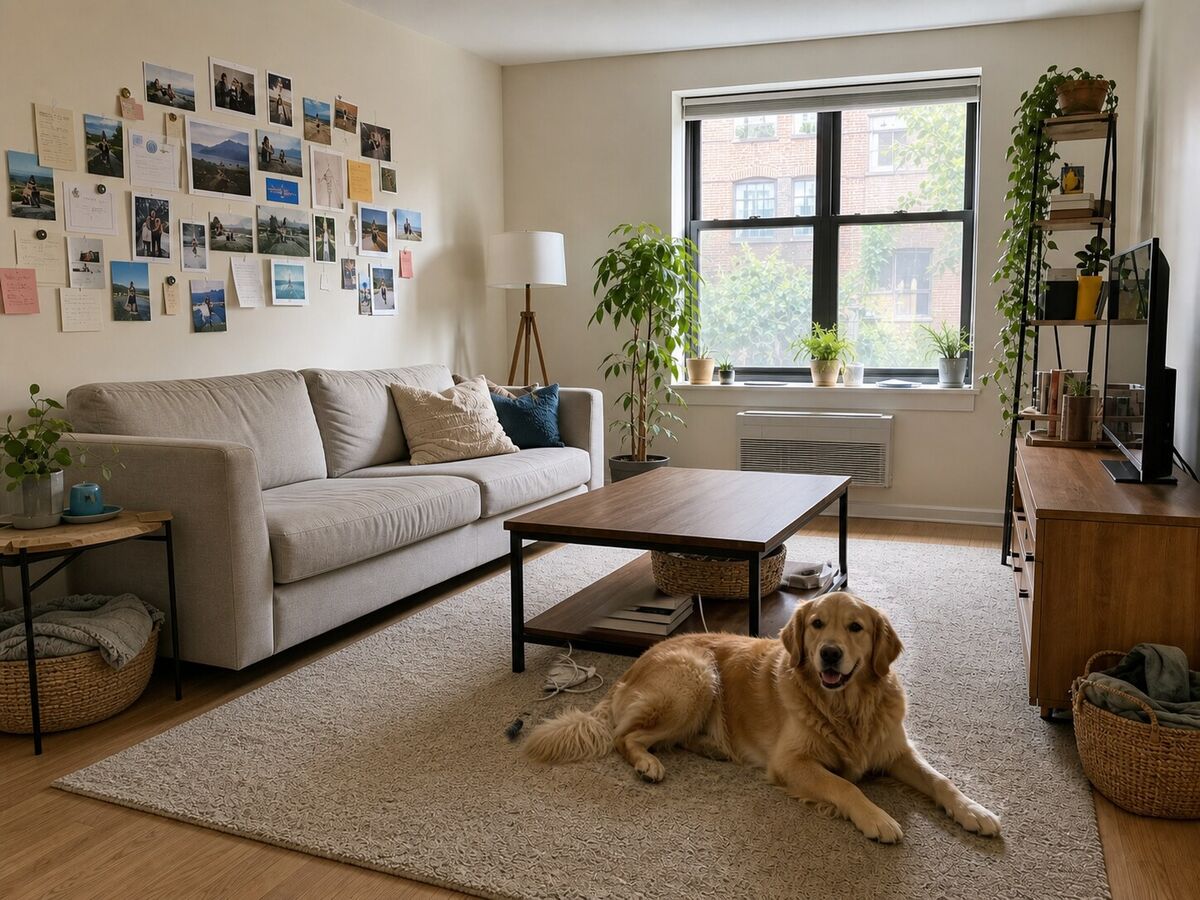
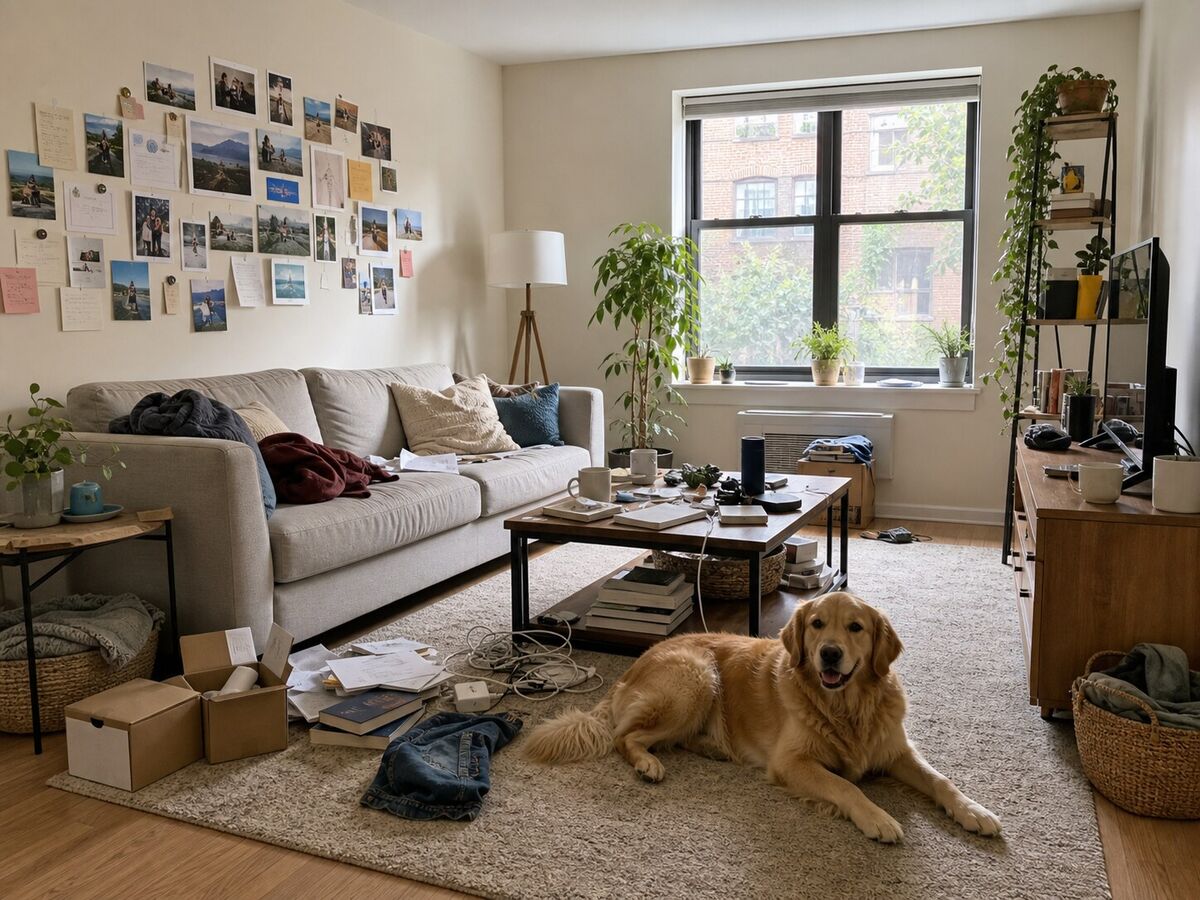
Clear the clutter. Keep the dog.

After: the same living room tidied. The coffee table is clear, the boxes, books and clothes on the floor are gone, and the golden retriever still lies on the rug. Before: a cluttered living room with boxes, books, cables and clothes on the floor, a crowded coffee table and a golden retriever lying on the rug.

Clutter gone. Dog stays. So does the room.
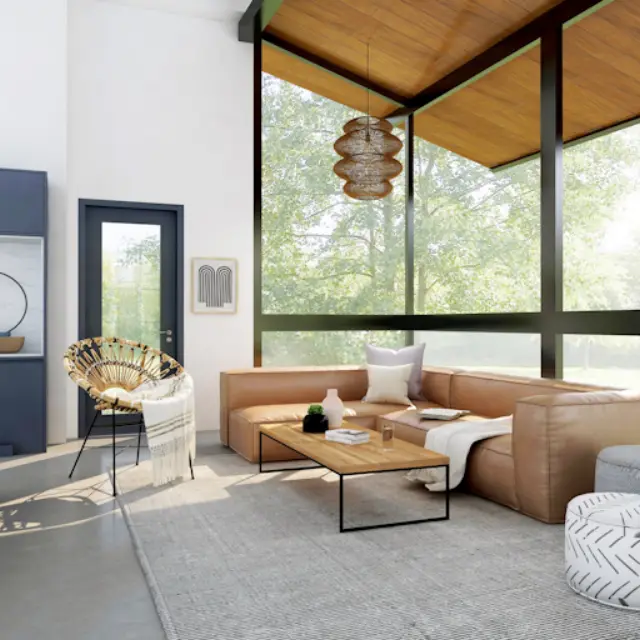
Match a room

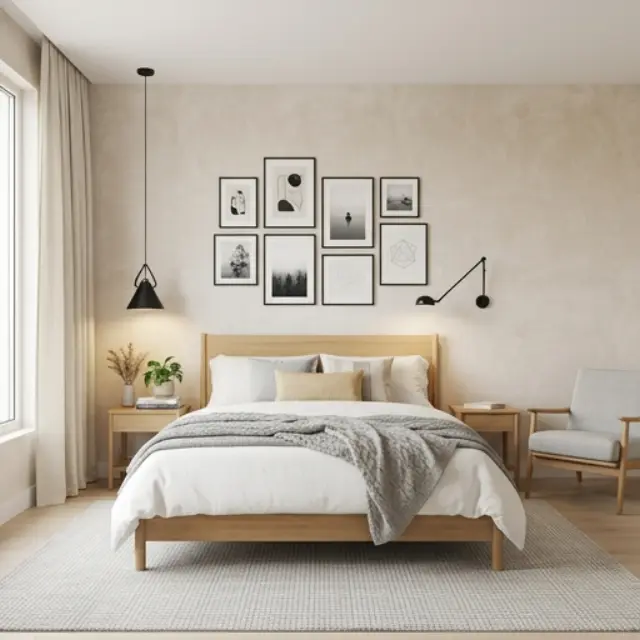
Reference photo: a Mid-Century Modern living room with warm wood and a low sofa. Make it feel like this photo

What can change?

Architecture and camera always stay as they are.

  • Furniture, selected
  • Walls, floors and built-ins
  • Decor and textiles, selected
  • Lighting and colour mood, selected

Pick a look, then choose what it may touch.

All new. Same walls.

The purple lines were traced once, on the original photo. Switch the style underneath and they still fit.

Living room Traced on your photo, restyled underneath
Render underneath

The trace never moves. Only the render underneath changes.

The living room restyled as Japandi, with the walls, window, door and ceiling of the original photo traced over it in purple. The traced lines match the new image exactly.

Every room in one place.

Photos, designs and chats stay together, room by room.
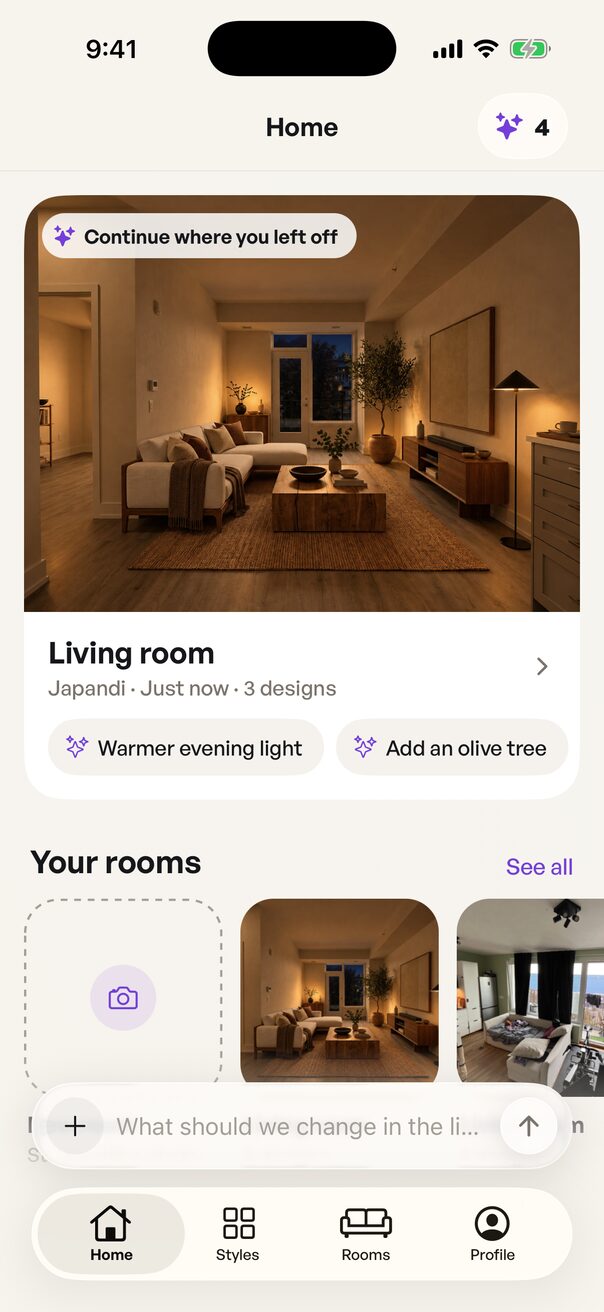
The Home screen: a Continue where you left off card for the Living room in Japandi with 3 designs and two suggested edits, and a Your rooms row with room photos above the tab bar.
pick up where you left off
  • Photos of each room, from every angle you take
  • Every design keeps its versions, and the chat behind it
  • Compare any version with the previous one or your original photo
  • Saved to your account with Continue with Apple

Your room, any style.

23 interior styles, each tried on the room you already have.
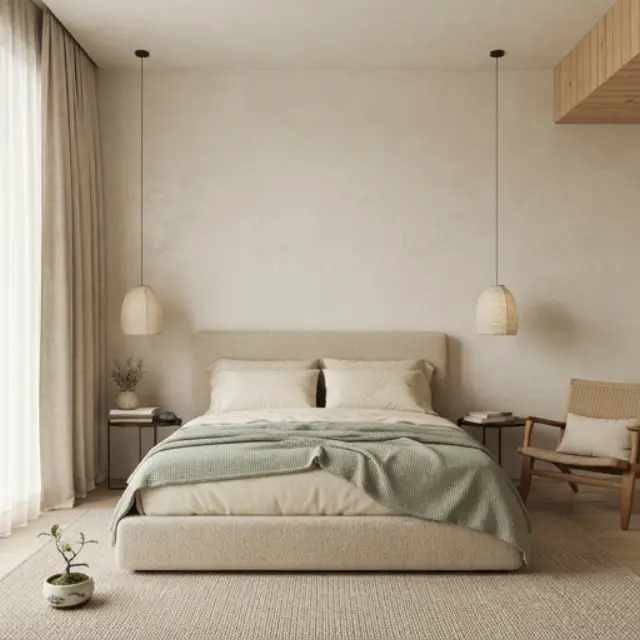
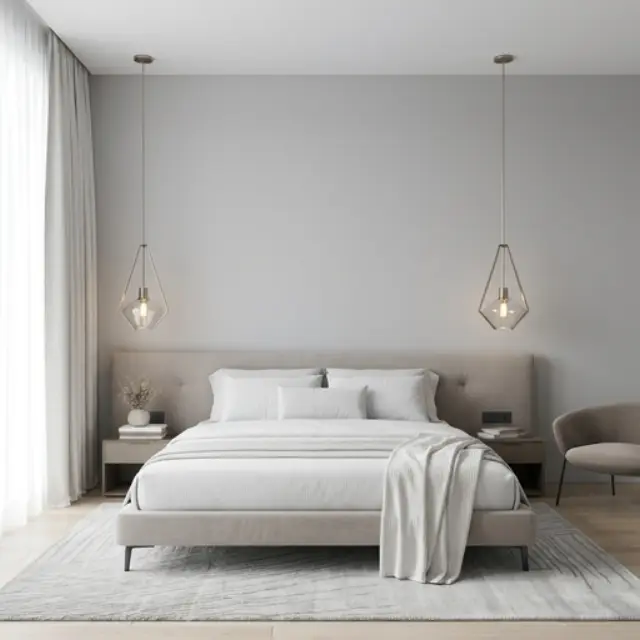
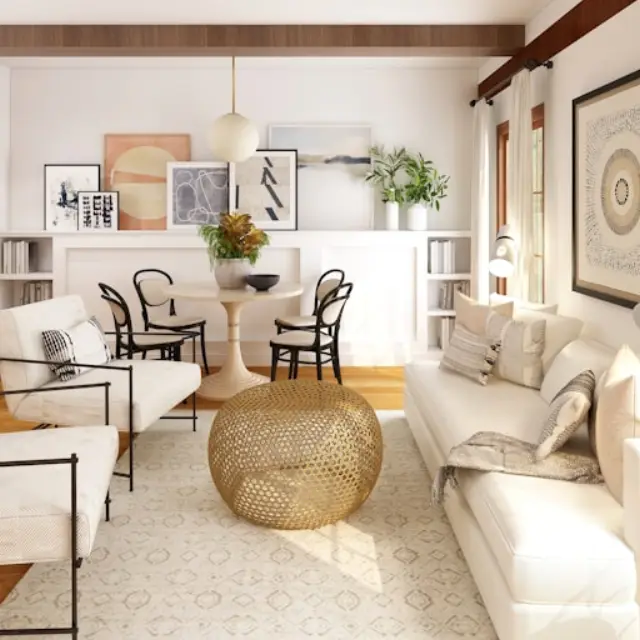
  • A room in Japandi style
    Japandi
  • A room in Scandinavian style
    Scandinavian
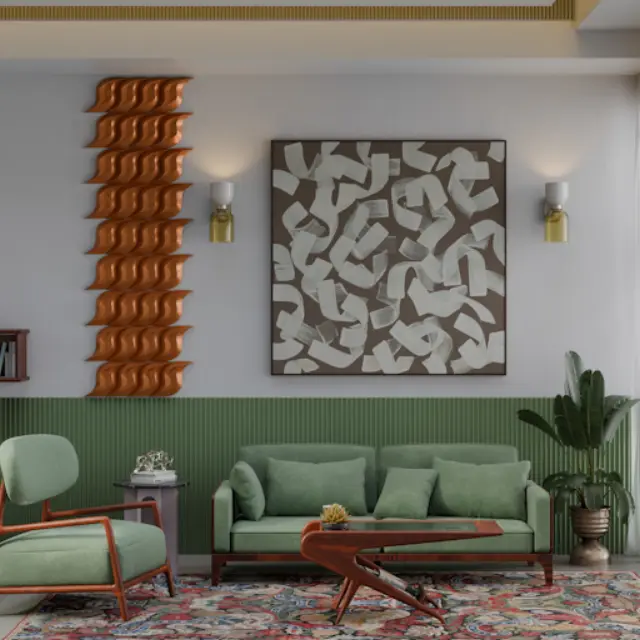
  • A room in Mid-Century Modern style
    Mid-Century Modern
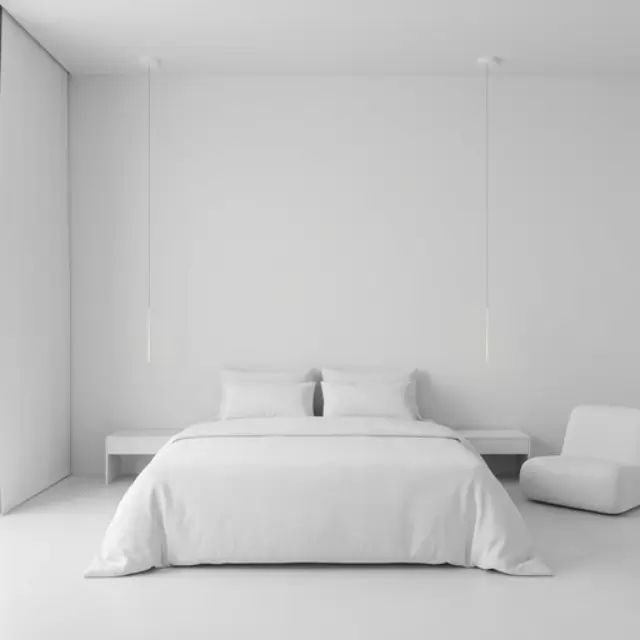
  • A room in Minimalist style
    Minimalist
  • A room in Modern style
    Modern
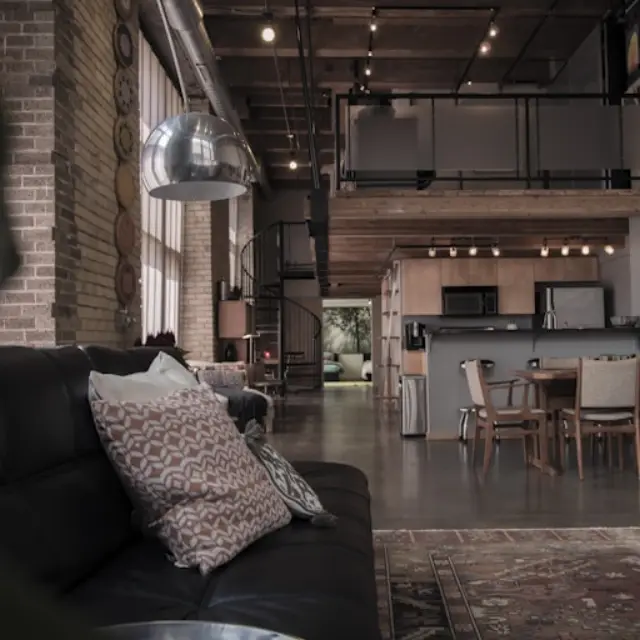
  • A room in Industrial style
    Industrial
  • A room in Bohemian style
    Bohemian
  • A room in Coastal style
    Coastal
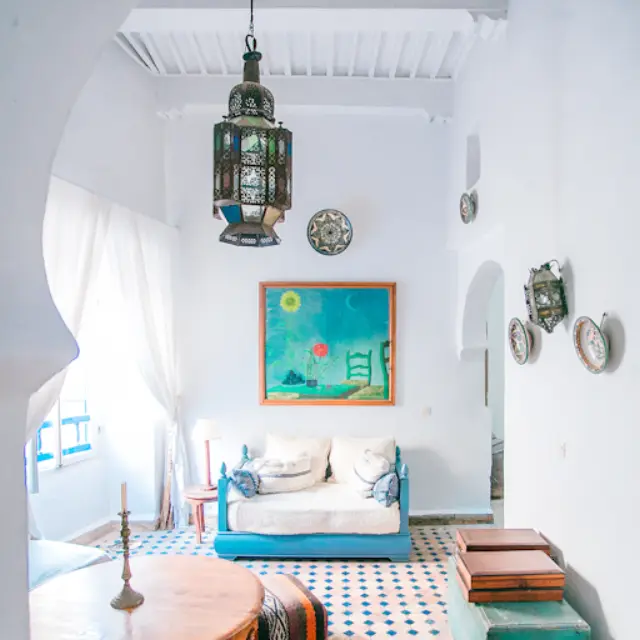
  • A room in Mediterranean style
    Mediterranean
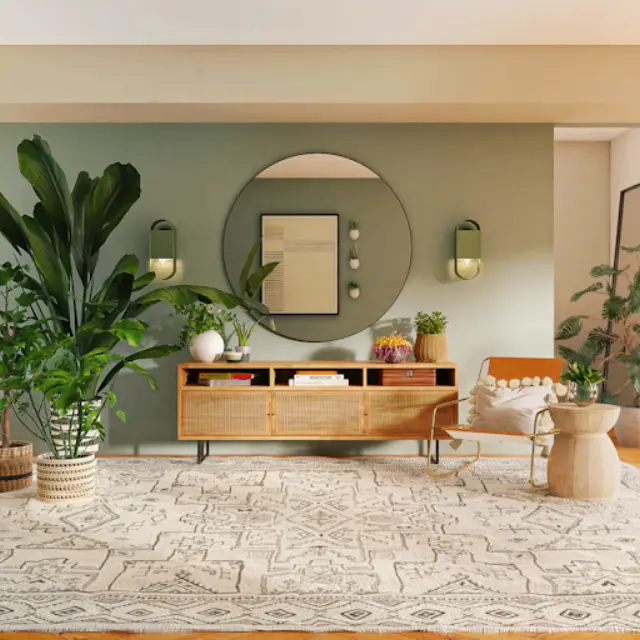
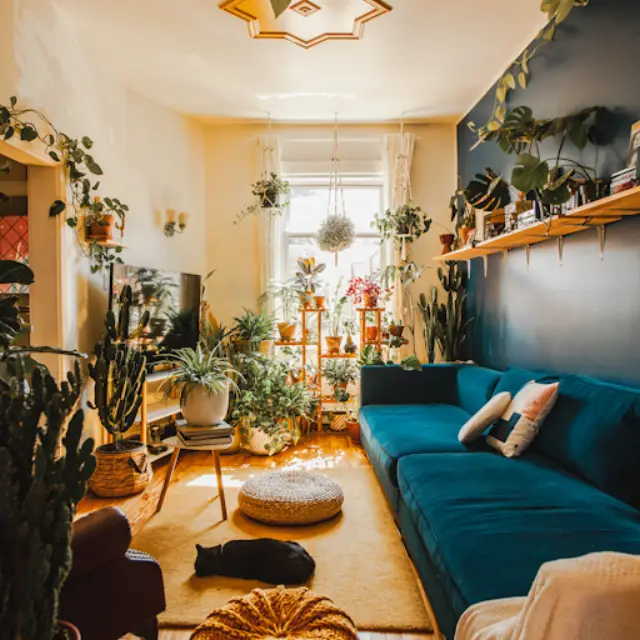
  • A room in Biophilic Design style
    Biophilic Design
  • A room in Art Deco style
    Art Deco
  • A room in Retro Maximalism style
    Retro Maximalism

And eleven more: Contemporary, Wabi-Sabi, Traditional, Classic European, Transitional, Neoclassical, Victorian, Farmhouse, Modern Farmhouse, Rustic, and Cabin / Lodge.

Fair questions.

Is it free?

You get 3 days free on the monthly plan, with 5 Standard designs and no payment due now. After that you pay the monthly price shown in the App Store. There's no free plan after the trial.

Will it change my walls or windows?

No. Your walls, windows, doors and camera angle stay as they are. Only what you ask for changes.

Can I try my own furniture?

Yes. In Add furniture, add up to 4 product photos or describe a piece, then tap where each one goes. Or let it place them for you.

What if I don't like a result?

Every design keeps its versions. Go back to an earlier one, or compare it with the previous version or your original photo.

Which devices does it work on?

iPhone. You sign in with Continue with Apple, and every design is saved to your account.

Can I cancel?

Anytime, in App Store Settings.

Your first design is one photo away.

Get the app

3 days free on the monthly plan, then the monthly price shown in the App Store. Cancel anytime in App Store Settings.